
5 Awesome Marimo Alternatives
 Yulei Chen
Marimo is an open-source reactive notebook for Python that stores notebooks as pure .py files. Unlike traditional notebooks, marimo guarantees reproducibility through reactive execution: when you change a variable, all dependent cells automatically re-run. It's git-friendly, executable as a script, and deployable as an interactive web app.
Marimo is completely free and open-source. The team offers a free Community Cloud for sharing WebAssembly notebooks, and recently launched molab for cloud-hosted notebooks, but there's no paid cloud tier yet. If you want full control over your data and environment, you can self-host marimo on Sliplane for just €9/month per server. Check out our easy deploy guide to get started in minutes.
But marimo isn't the only option for interactive Python notebooks and data apps. Whether you need multi-language support, real-time team collaboration, or a different approach to building data applications, here are 5 awesome alternatives worth considering.
1. Jupyter
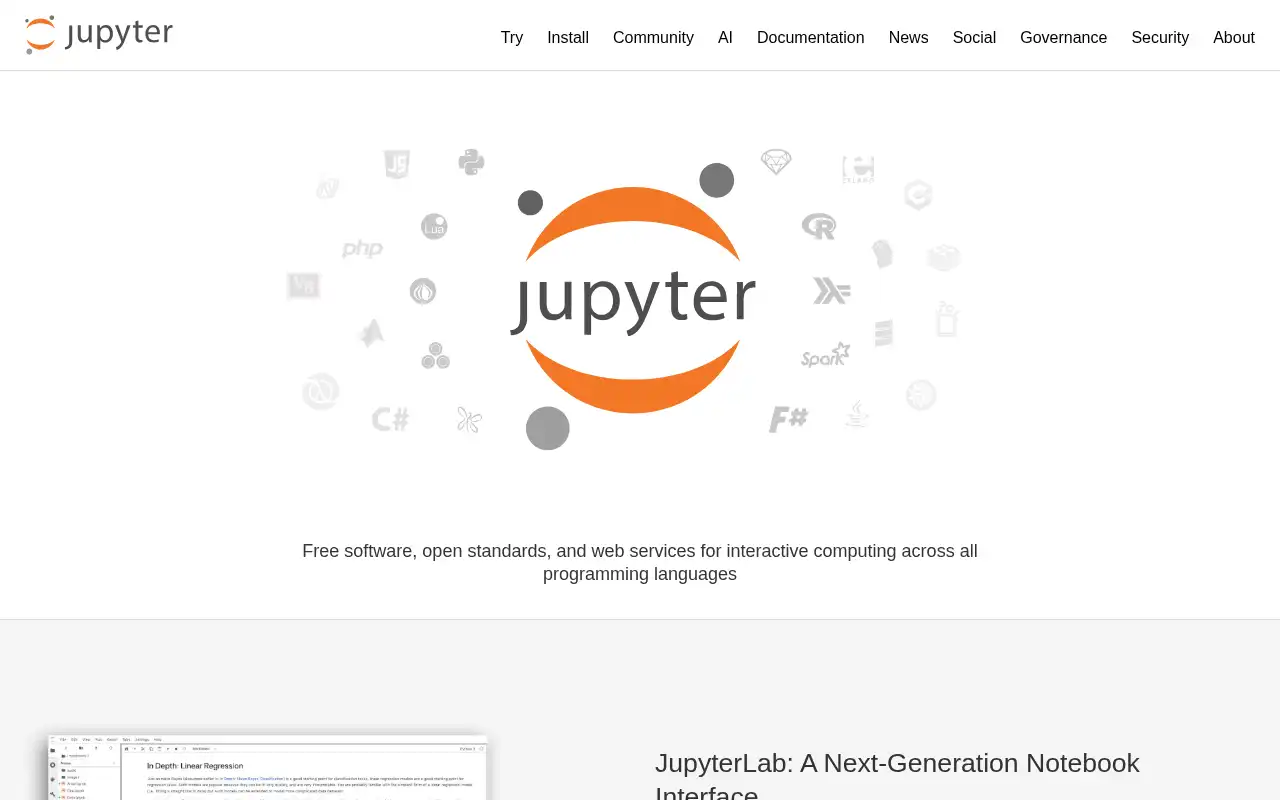
Jupyter is the most widely used open-source notebook platform for interactive computing, supporting over 40 programming languages including Python, R, Julia, and Scala. It's the foundation that marimo builds upon and improves, with a massive ecosystem of extensions, kernels, and integrations.
- Features: Multi-language kernel support, rich output display (HTML, images, LaTeX, video), JupyterLab IDE with drag-and-drop layout, JupyterHub for multi-user deployments, nbconvert for exporting to HTML/PDF/slides, extensive extension ecosystem, and integration with virtually every data science tool.
- Why You Should Use It: If you work with multiple languages beyond Python, need a battle-tested platform with the largest community and ecosystem, or want maximum compatibility with existing notebooks and tools, Jupyter is the safe choice. Almost every data science tutorial, course, and library assumes Jupyter compatibility. JupyterHub makes it easy to provide notebooks for teams or classrooms.
- Why Not: Jupyter's linear execution model means cells can be run out of order, leading to hidden state and reproducibility issues (exactly what marimo was built to fix). Notebooks are stored as JSON (
.ipynb), making git diffs messy. There's no reactive execution or built-in interactivity like marimo's sliders and UI elements. - Pricing: Completely free and open-source (BSD license). Self-hosting costs depend on your infrastructure. You can self-host Jupyter on Sliplane for €9/month.
2. Deepnote
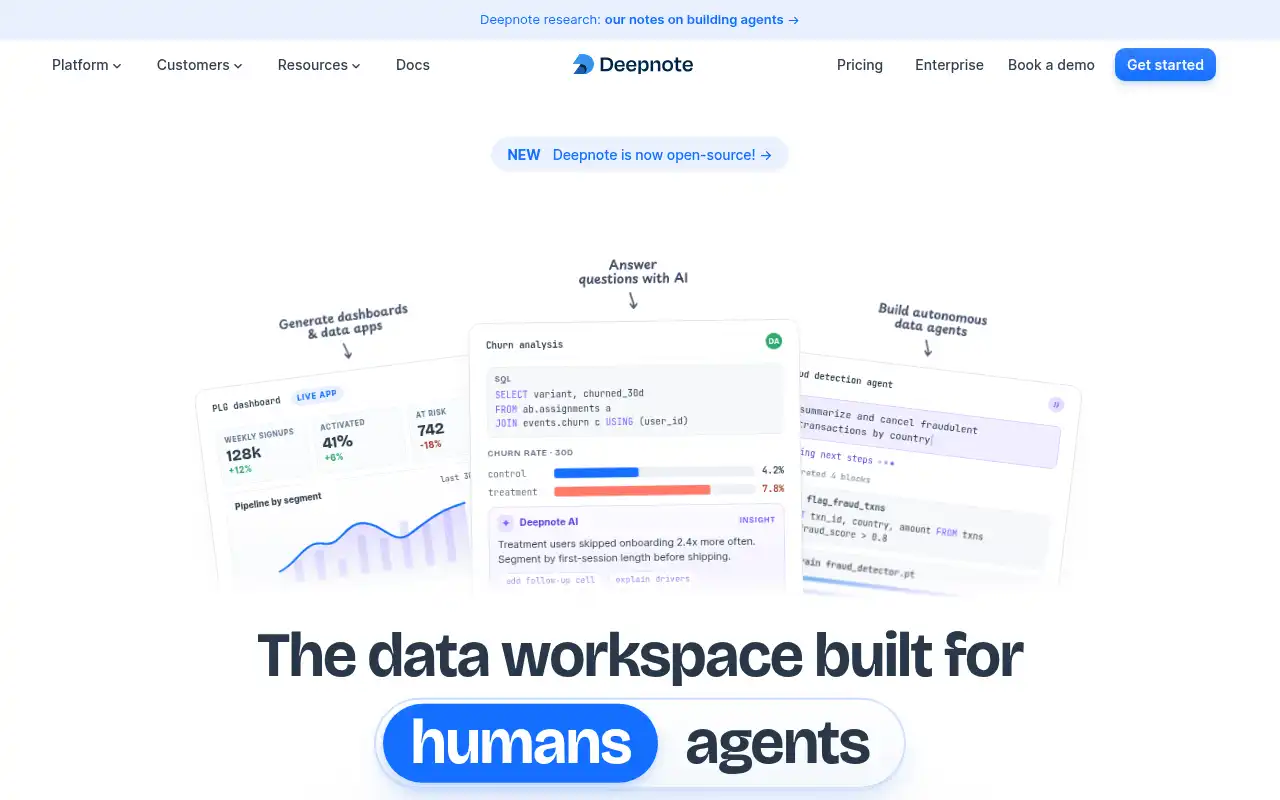
Deepnote is a cloud-native data workspace built for collaboration, offering Jupyter-compatible notebooks with real-time multiplayer editing, AI-powered features, and direct database integrations. It recently went open-source, making it an even more compelling option.
- Features: Real-time collaborative editing (Google Docs-style), AI assistant powered by GPT-4, SQL and Python in the same notebook, direct integrations with Snowflake, BigQuery, PostgreSQL and more, scheduled notebook runs, version history, commenting and review workflows, and interactive data apps.
- Why You Should Use It: If team collaboration is your top priority, Deepnote is hard to beat. Multiple people can edit the same notebook simultaneously with comments, tracked changes, and version history. The built-in database connectors let you query data sources directly without manual setup. The AI assistant helps with code generation and data exploration.
- Why Not: Deepnote's paid plans are expensive for individuals ($59/editor/month for the Team plan). While it recently went open-source, the self-hosted version may lack some cloud features. It doesn't offer marimo's reactive execution model, so you still have the traditional top-down cell execution.
- Pricing: Free plan (3 editors, 5 projects); Team at $59/editor/month; Enterprise with custom pricing. Education plan is free for students and teachers.
3. Hex
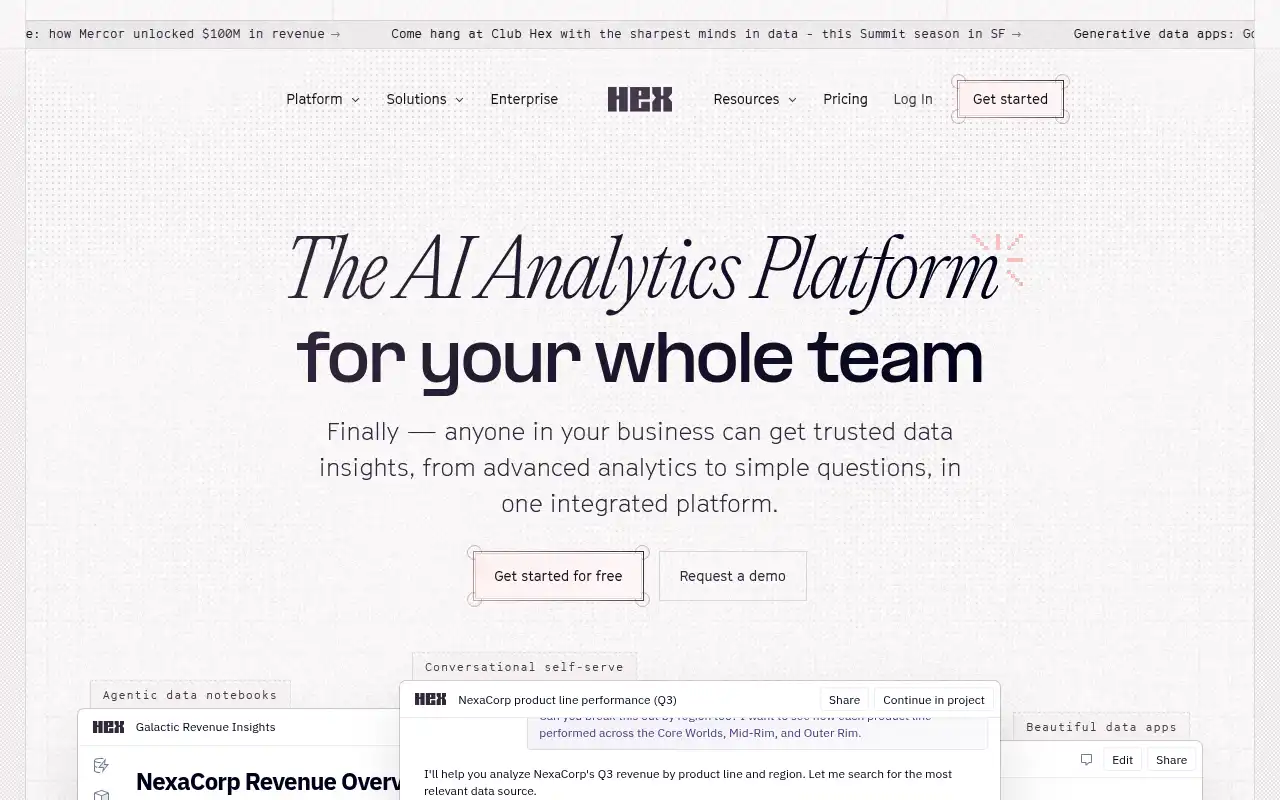
Hex is a collaborative data workspace that lets you mix SQL and Python in the same project, with a focus on building interactive data apps for stakeholders. It bridges the gap between notebooks and BI tools.
- Features: Combined SQL and Python cells with shared state, interactive app builder with dropdowns, sliders, and date pickers, real-time collaboration, scheduled runs and alerts, GitHub sync, version control with branching, AI-powered data agent, chart builder, and publishable data apps.
- Why You Should Use It: If your workflow involves both SQL and Python and you want to turn analyses into interactive apps that non-technical stakeholders can explore, Hex is purpose-built for that. The shared state between SQL and Python cells means you can query a database and immediately use the results in Python without boilerplate. The app publishing feature turns a notebook into a polished product with filters and controls.
- Why Not: Hex is proprietary with no self-hosting option. The free tier is limited (3 project authors, 7-day version history). Pricing scales per editor, which adds up quickly for larger teams. It's less flexible than marimo for pure Python workflows and doesn't support languages beyond SQL and Python.
- Pricing: Community (free, limited); Professional at $36/editor/month; Team at $75/editor/month; Enterprise with custom pricing. Free plans available for students and nonprofits.
4. Streamlit
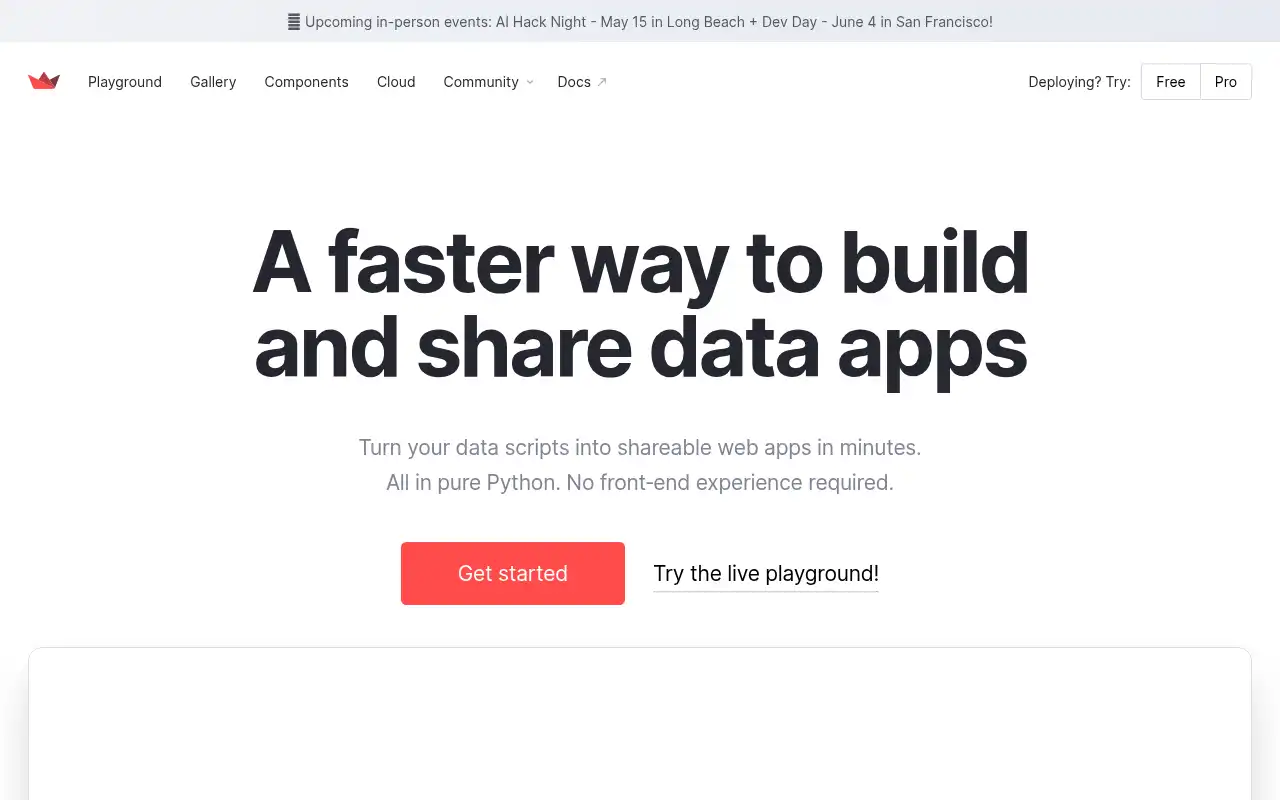
Streamlit is an open-source Python framework for building interactive data apps and dashboards. Instead of the notebook paradigm, Streamlit lets you write standard Python scripts that automatically become interactive web apps with widgets, charts, and layouts.
- Features: Pure Python API for building web apps (no HTML/CSS/JS needed), built-in widgets (sliders, buttons, file uploaders, text inputs), automatic reactivity (the app re-runs when inputs change), caching for expensive computations, multi-page app support, theming, session state management, and free Community Cloud deployment.
- Why You Should Use It: If your goal is building and sharing interactive data apps rather than exploratory notebooks, Streamlit is the most popular choice. You write normal Python scripts (not notebooks), so everything is git-friendly and testable. The learning curve is minimal: a few lines of code produce a full web app. The free Community Cloud makes sharing effortless.
- Why Not: Streamlit is not a notebook. There's no cell-by-cell execution for exploration. The entire script re-runs on every interaction, which can be slow for complex apps without careful caching. Customizing the UI beyond built-in components is limited. Enterprise features require Snowflake integration. Self-hosting needs more setup than marimo.
- Pricing: Open-source framework is free (Apache 2.0 license). Community Cloud is free for public apps with 1 private app. Enterprise deployment is available through Snowflake (pricing not public). Self-hosting is free.
5. Apache Zeppelin
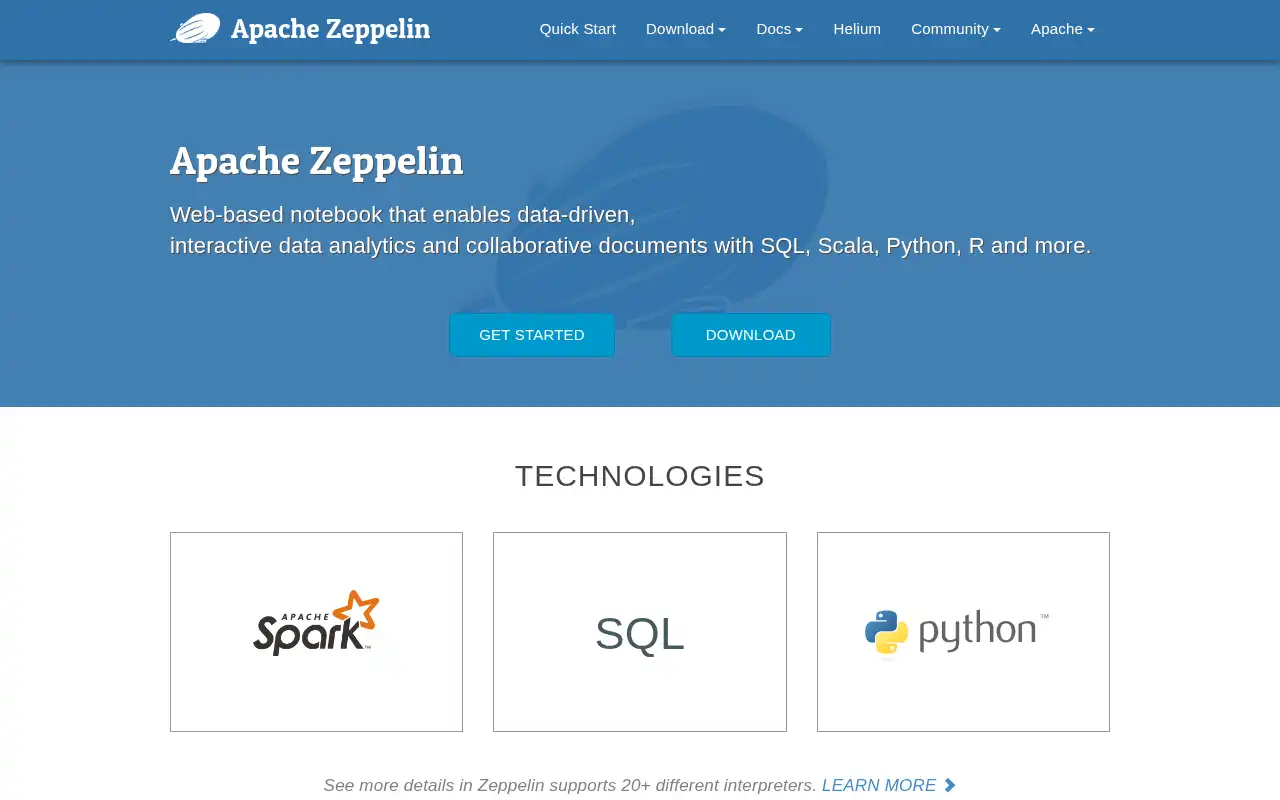
Apache Zeppelin is an open-source web-based notebook for interactive data analytics, designed for big data workflows. It supports over 20 interpreters including Python, SQL, Scala, R, and has deep integration with Apache Spark.
- Features: 20+ language interpreters (Python, SQL, Scala, R, Spark, Flink, and more), built-in data visualizations, Apache Spark integration, dynamic forms for parameterized notebooks, real-time collaboration, notebook scheduling, LDAP multi-user support, embeddable visualizations via iframe, and JDBC connectivity to any database.
- Why You Should Use It: If you work with big data tools like Apache Spark, Flink, or Hive, Zeppelin is purpose-built for that ecosystem. The multi-interpreter architecture lets you mix SQL, Scala, and Python in the same notebook. Built-in visualization eliminates the need for separate charting libraries. The dynamic forms feature lets you create parameterized notebooks that non-technical users can interact with.
- Why Not: Zeppelin has a steeper learning curve than marimo, especially for setting up interpreters and Spark integration. The UI feels dated compared to modern tools. The community is smaller and less active than Jupyter's. It's overkill for simple Python-only workflows where marimo shines. Docker setup is more involved.
- Pricing: Completely free and open-source (Apache 2.0 license). No paid tiers. Self-hosting costs depend on your infrastructure, typically starting around €9/month on a VPS.
Conclusion
| Tool | Best For | Ease of Setup | Focus | Cloud Pricing |
|---|---|---|---|---|
| Marimo | Reactive, reproducible Python notebooks | Very Easy | Git-friendly notebooks & apps | Free (Community Cloud) |
| Jupyter | Multi-language interactive computing | Easy | Flexible notebook platform | Free (open-source) |
| Deepnote | Team collaboration on notebooks | Very Easy | Cloud-native data workspace | Deepnote Free / $59/editor/mo |
| Hex | SQL + Python data apps | Easy | Analyst-friendly workspace | Hex Free / $36-75/editor/mo |
| Streamlit | Interactive Python web apps | Moderate | Data app framework | Free (Community Cloud) |
| Apache Zeppelin | Big data & multi-language analytics | Moderate | Spark & big data notebooks | Free (open-source) |
Each tool fills a different gap: Jupyter for maximum language support and ecosystem compatibility, Deepnote for real-time team collaboration, Hex for SQL-heavy workflows with stakeholder-facing apps, Streamlit for building standalone data applications, and Apache Zeppelin for big data and Spark-based analytics.
Marimo remains an excellent choice if you value reproducibility, reactive execution, and git-friendly notebooks stored as plain Python files. But if your needs lean more toward team collaboration, multi-language support, or building polished data apps, one of these alternatives might be a better fit.
If you're looking to self-host, check out our guides on self-hosting Marimo the easy way and self-hosting Jupyter the easy way.